Build the menu
Categories, dishes, desserts, images, prices and reusable option groups.

Publish a touch-friendly menu in minutes. Customers order at the counter; your team moves every ticket from new to ready.
Set up the menu, share the kiosk or QR, receive a server-validated order, then move it across the kitchen board until it is ready.
Save the identity, address, public slug, currency, timezone, menu languages, opening hours, service modes and ordering-screen style.
Try the same visual controls restaurant owners use in the authenticated area. This public preview stays on this device and never saves restaurant data.
Publish the restaurant and enable orders. Once published with a slug, the admin exposes the public kiosk link and a QR code.
During service, use the live kitchen board, product availability, order history, basic day/week analytics and monitoring. Pause new orders when needed without hiding the menu.
Try the same visual controls restaurant owners use in the authenticated area. This public preview stays on this device and never saves restaurant data.
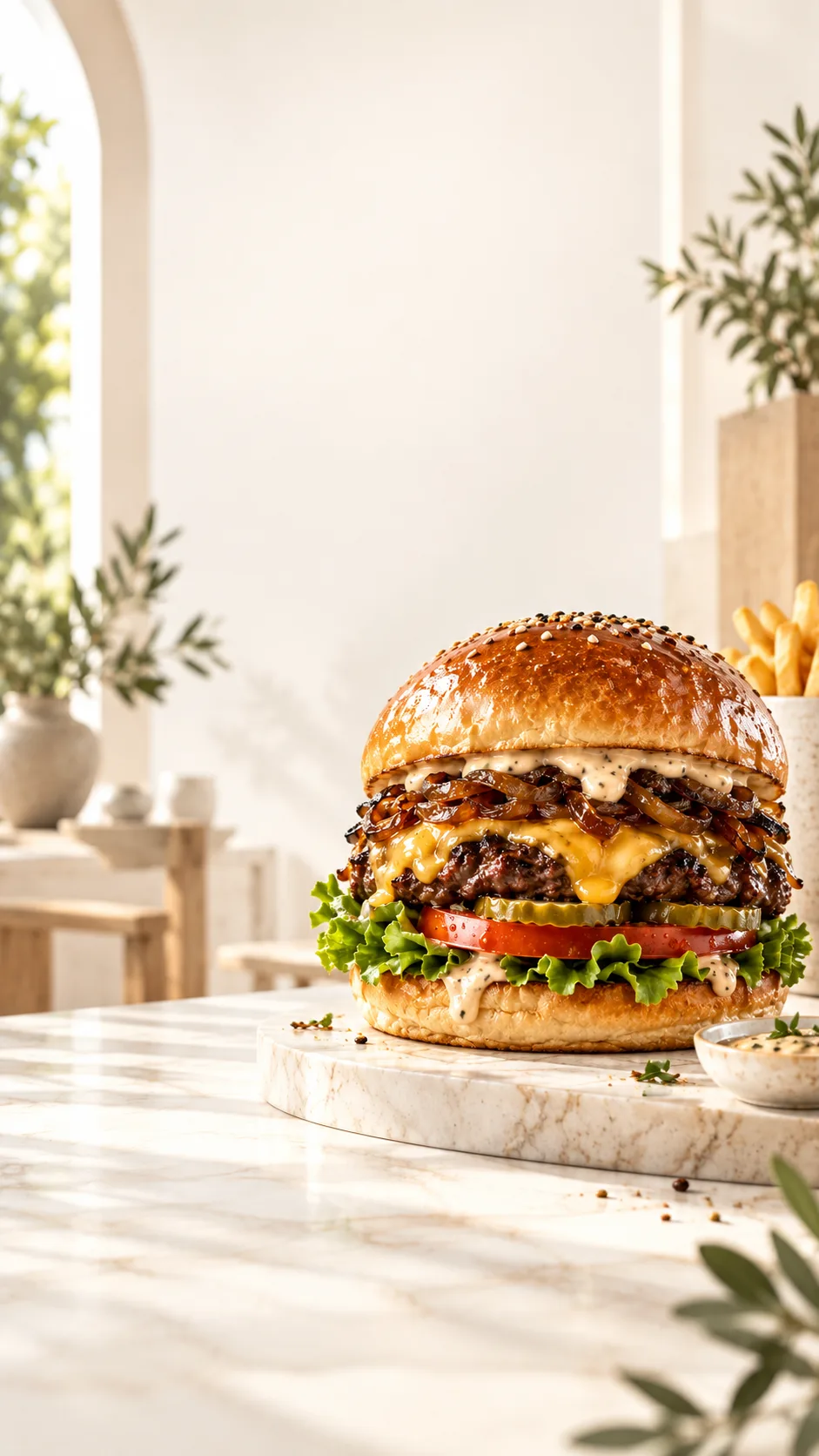
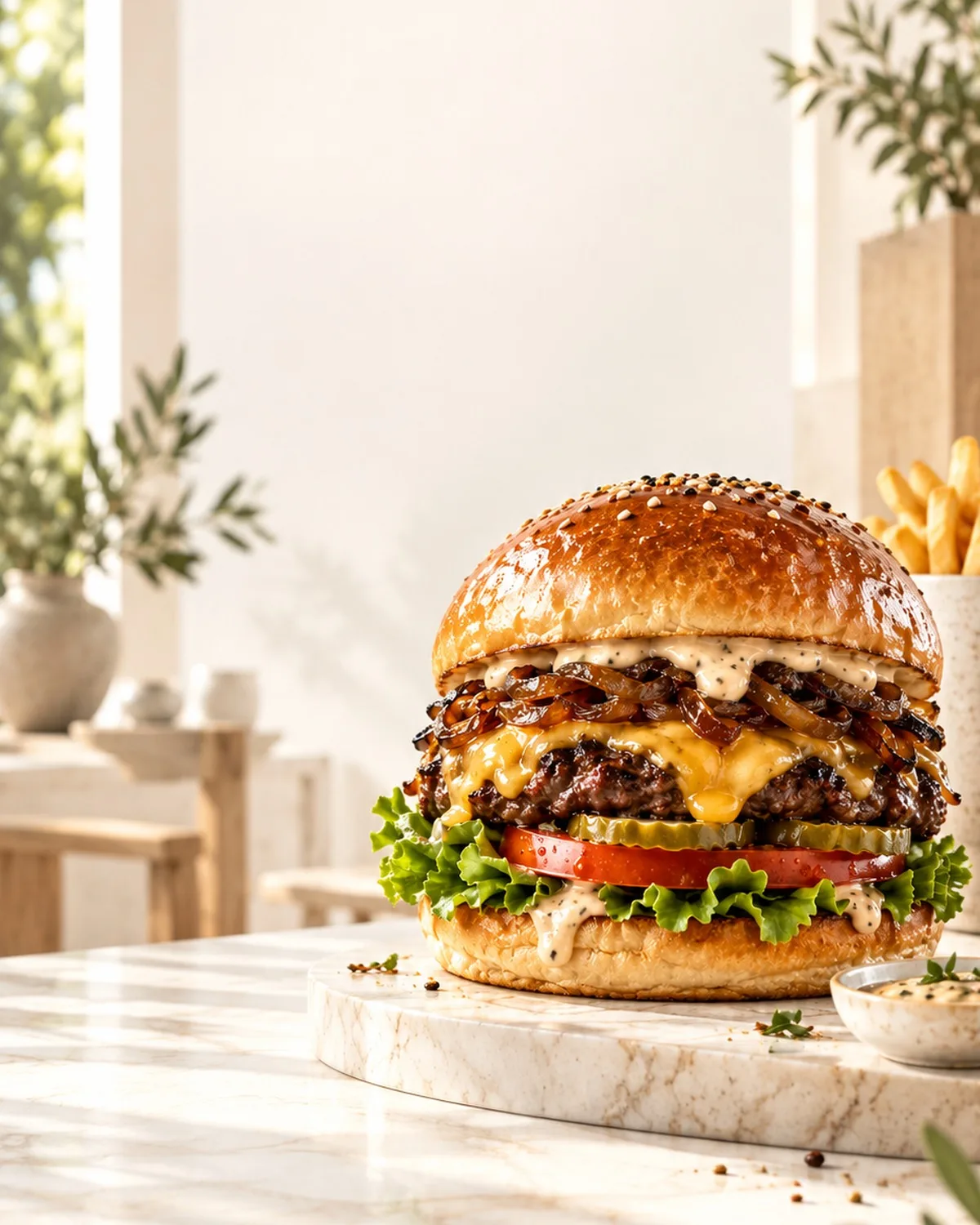
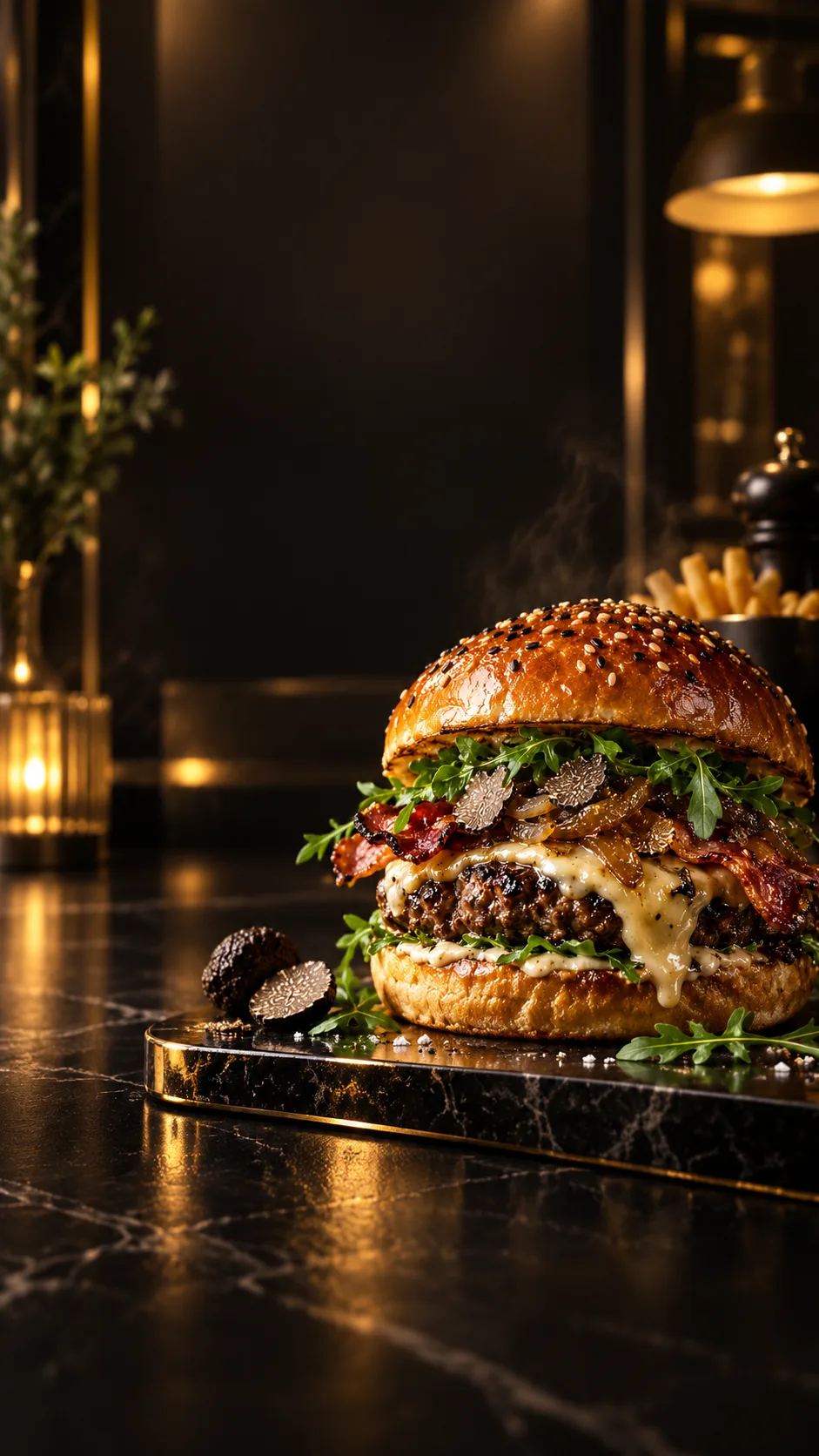
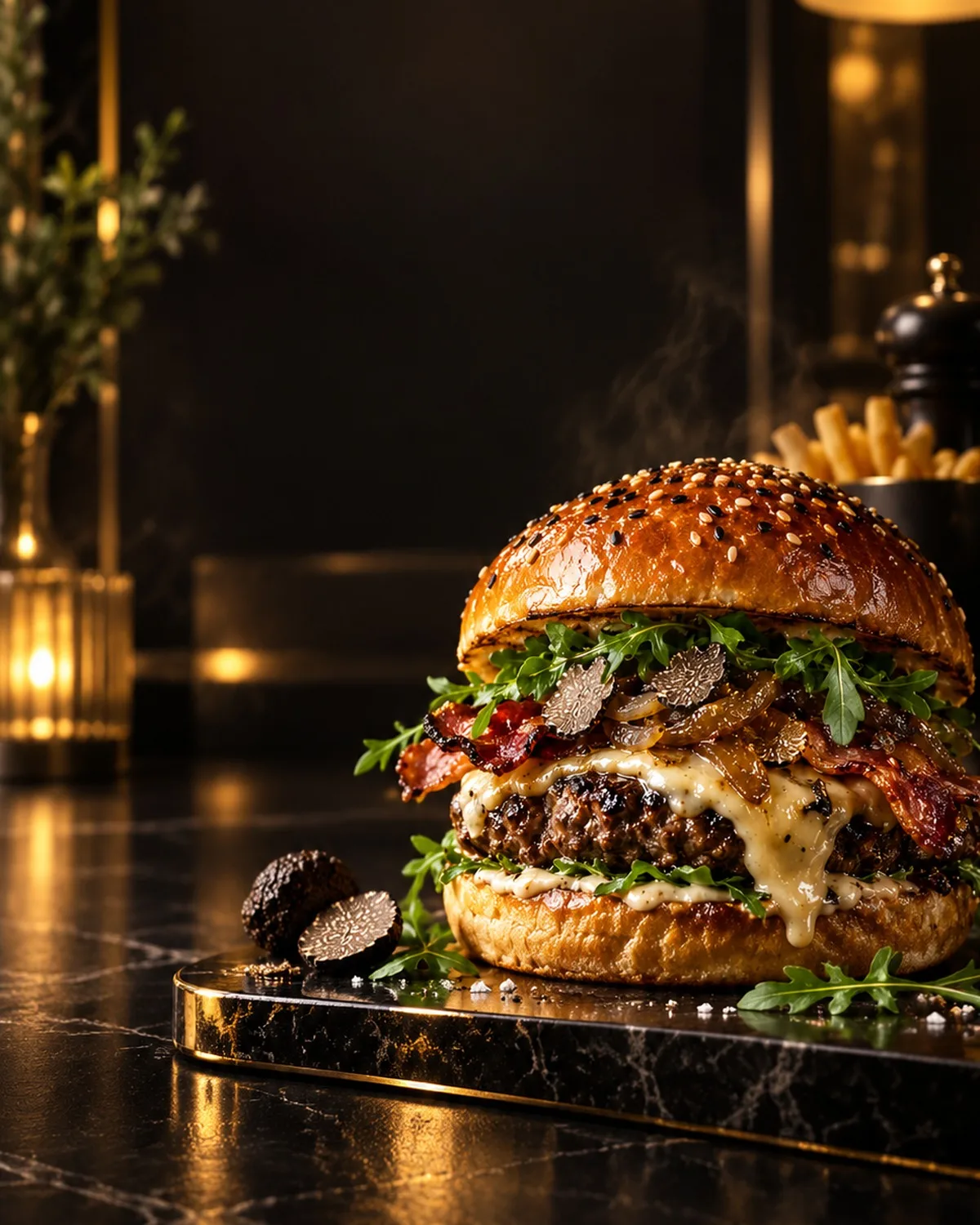
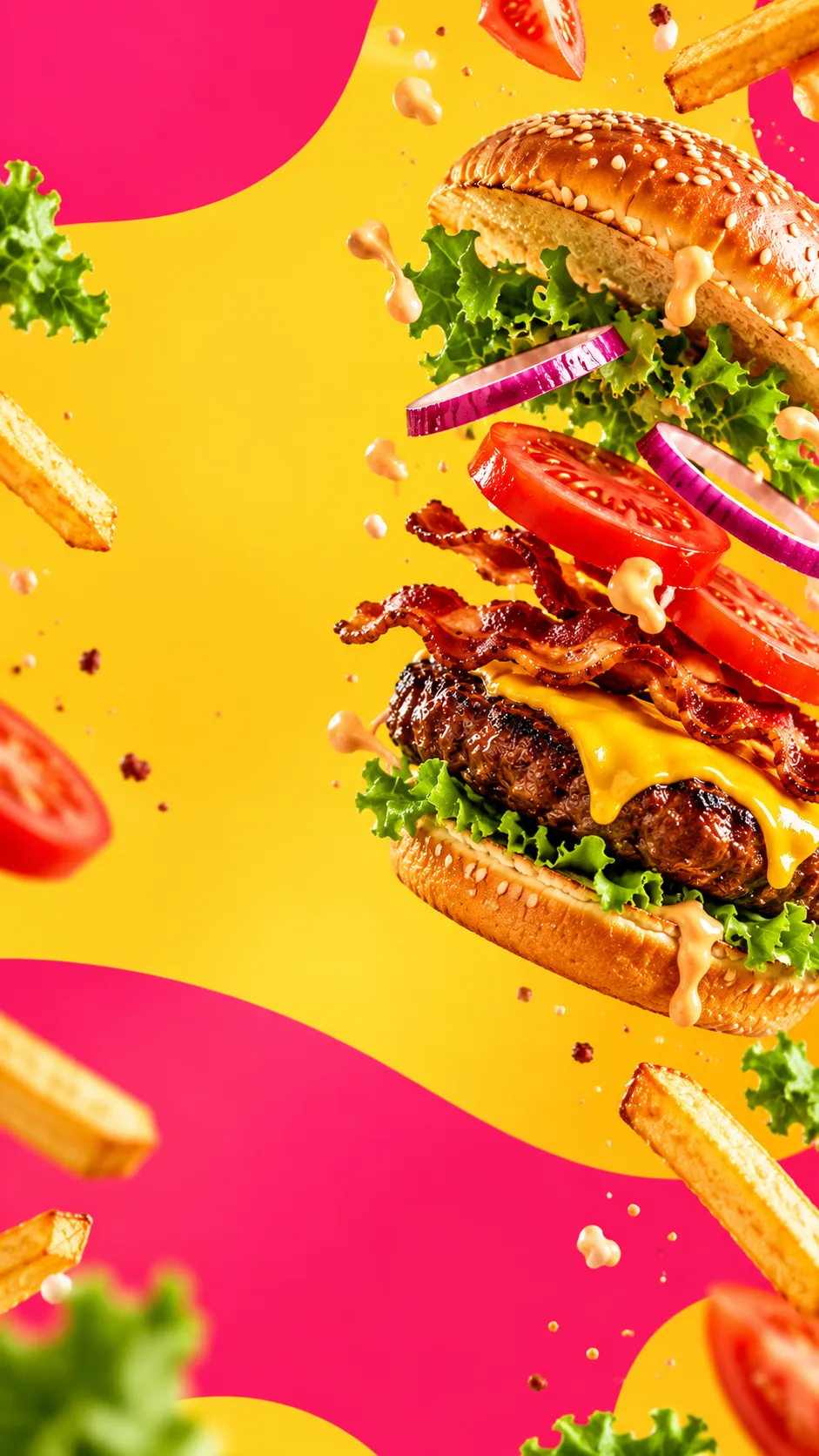
Real kiosk compositions generated from the same Studio theme assets used by the ordering screen.
 QS
QS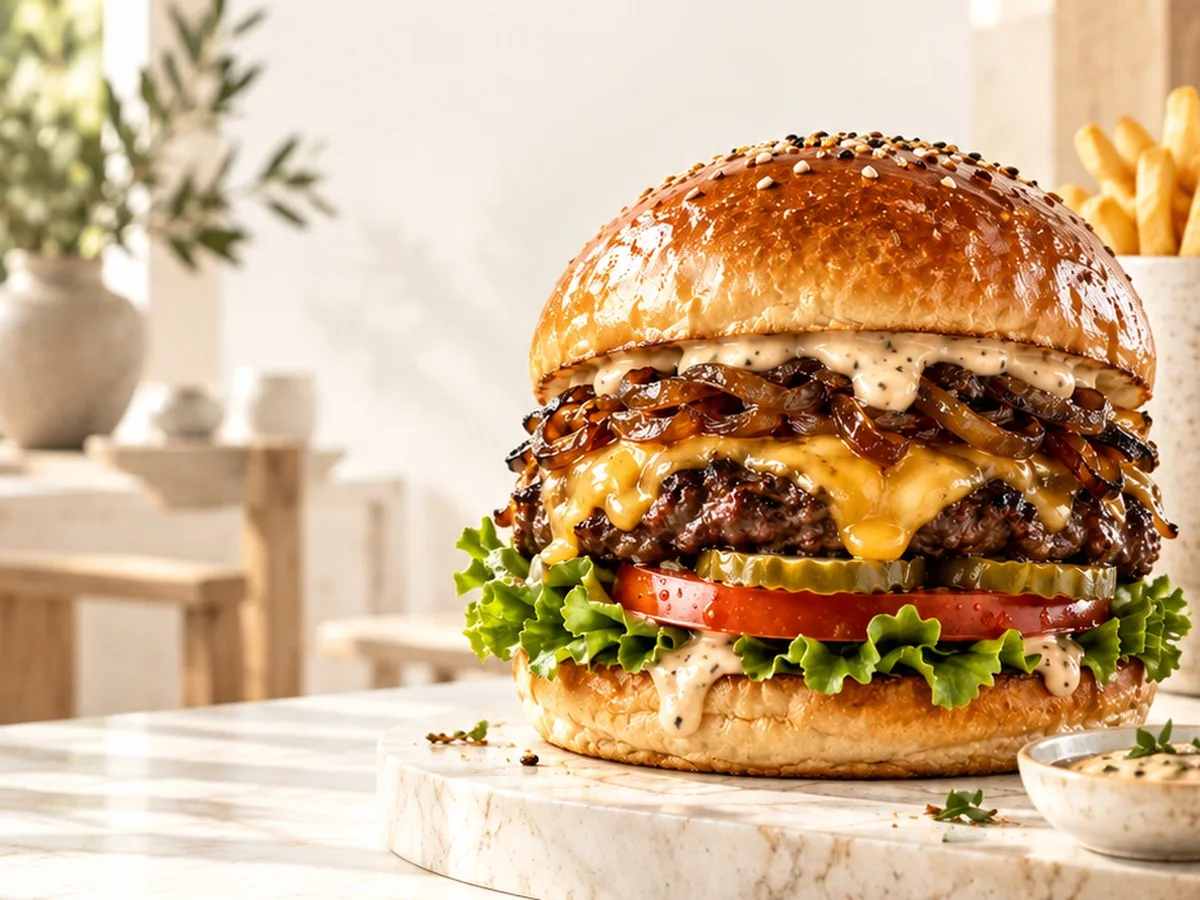
 QS
QS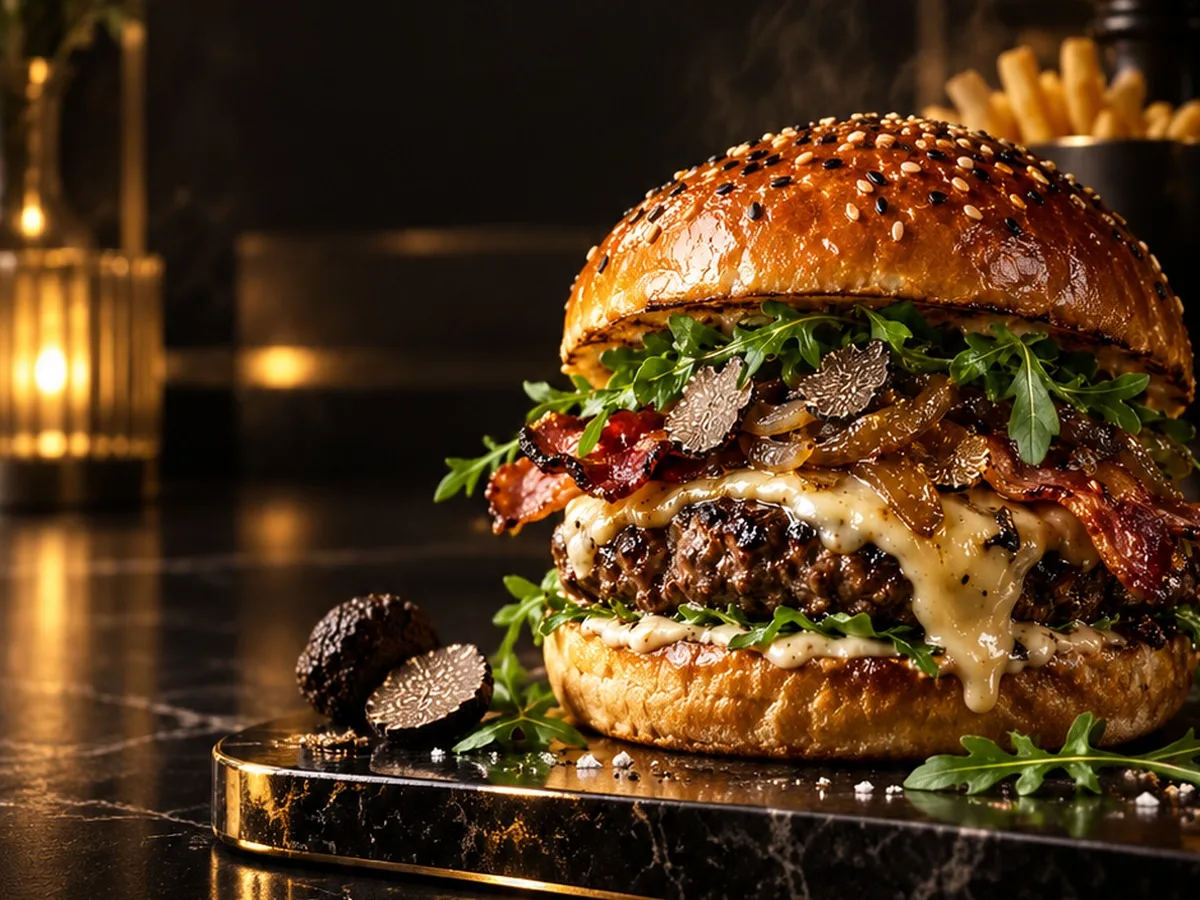
 QS
QS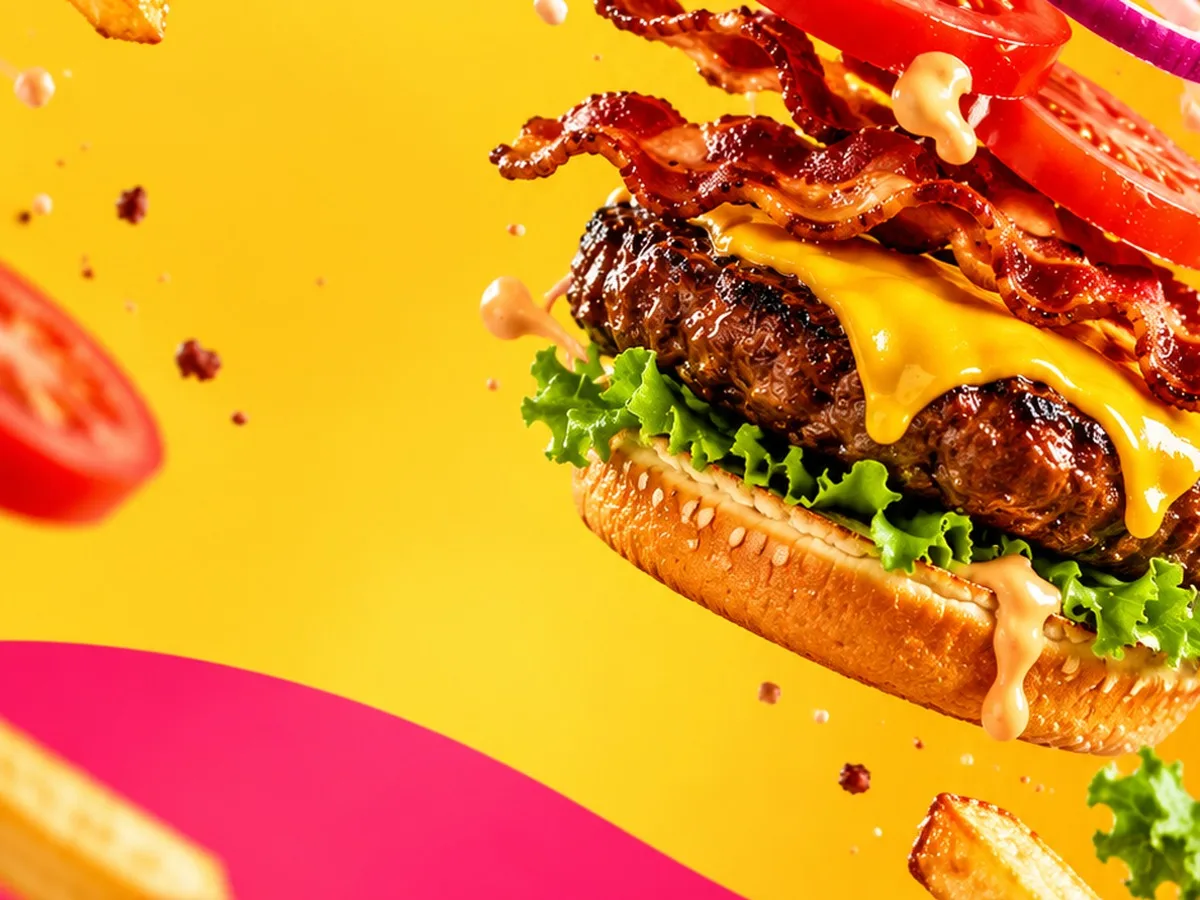
Enter the Restaurant code shown at the counter.
Set up the menu, share the kiosk or QR, receive a server-validated order, then move it across the kitchen board until it is ready.
Categories, dishes, desserts, images, prices and reusable option groups.
A fast tactile menu, product customization, basket and checkout.
New, preparing, ready and completed orders on one live board.
The current free flow stays commission-free and does not depend on paid checkout.
Start with the free plan today. Paid plans will become available progressively as they launch.
Subscriptions are currently disabled. The free plan remains available, including pay-at-counter ordering.
Online payment will be offered as an optional paid add-on when it becomes available. Until then, customers can order and pay at the counter.