
The Saturday-night moment that actually chooses your system
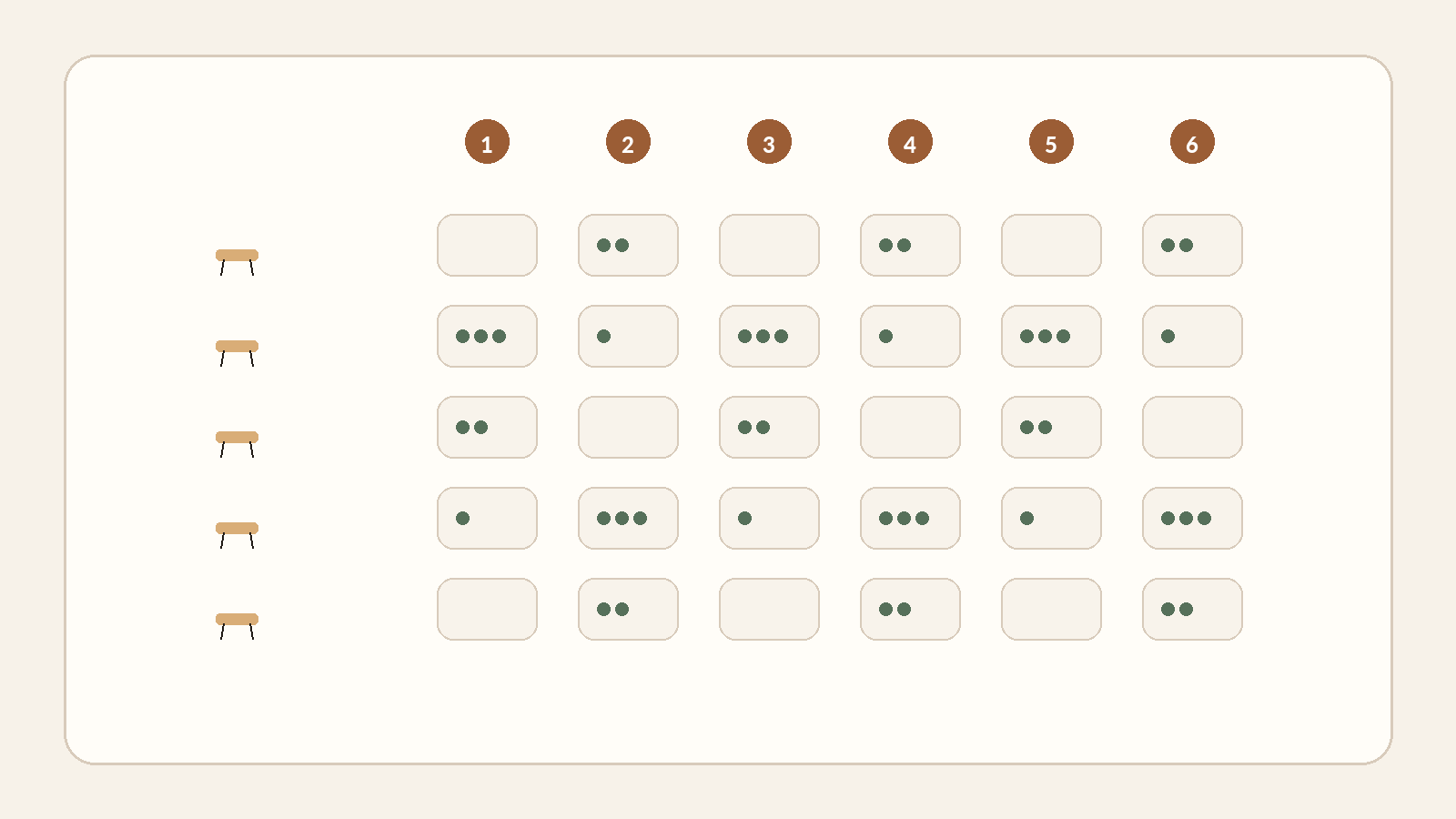
It is 9:17 p.m. A table of six wants to split the bill four ways, two guests are leaving, one server is waiting for the only available terminal, and another table is trying to pay by QR just as Wi-Fi drops. That is where a payment architecture reveals itself. The question is not “which terminal has the lowest rate?” It is “how many handoffs, manual recoveries and exceptions does my team have to absorb when the room is full?”
Payment behaviour is not universal. In the euro area, the ECB measured cash at 52% of point-of-sale payments by number in 2024, versus 39% for cards and 6% for mobile devices [S1]. In the United States, the Federal Reserve’s 2025 Diary reporting 2024 behaviour shows a different mix: 14% cash, 35% credit and 30% debit [S2]. These are not restaurant-specific statistics. Their value here is the opposite: they show why copying the setup of a restaurant in another market or with another guest mix is risky.
Even inside restaurants, the right amount of technology changes by segment and audience. The National Restaurant Association reports major differences across full service, limited service and delivery; a majority of full-service customers say they would be likely to order or pay at the table using a tablet, while 7 in 10 limited-service customers say they would be likely to order with a smartphone app [S3]. That is not a shopping instruction. It is a reminder to design for your room, check size, pace and guests.
Count handoffs, footsteps and waiting moments
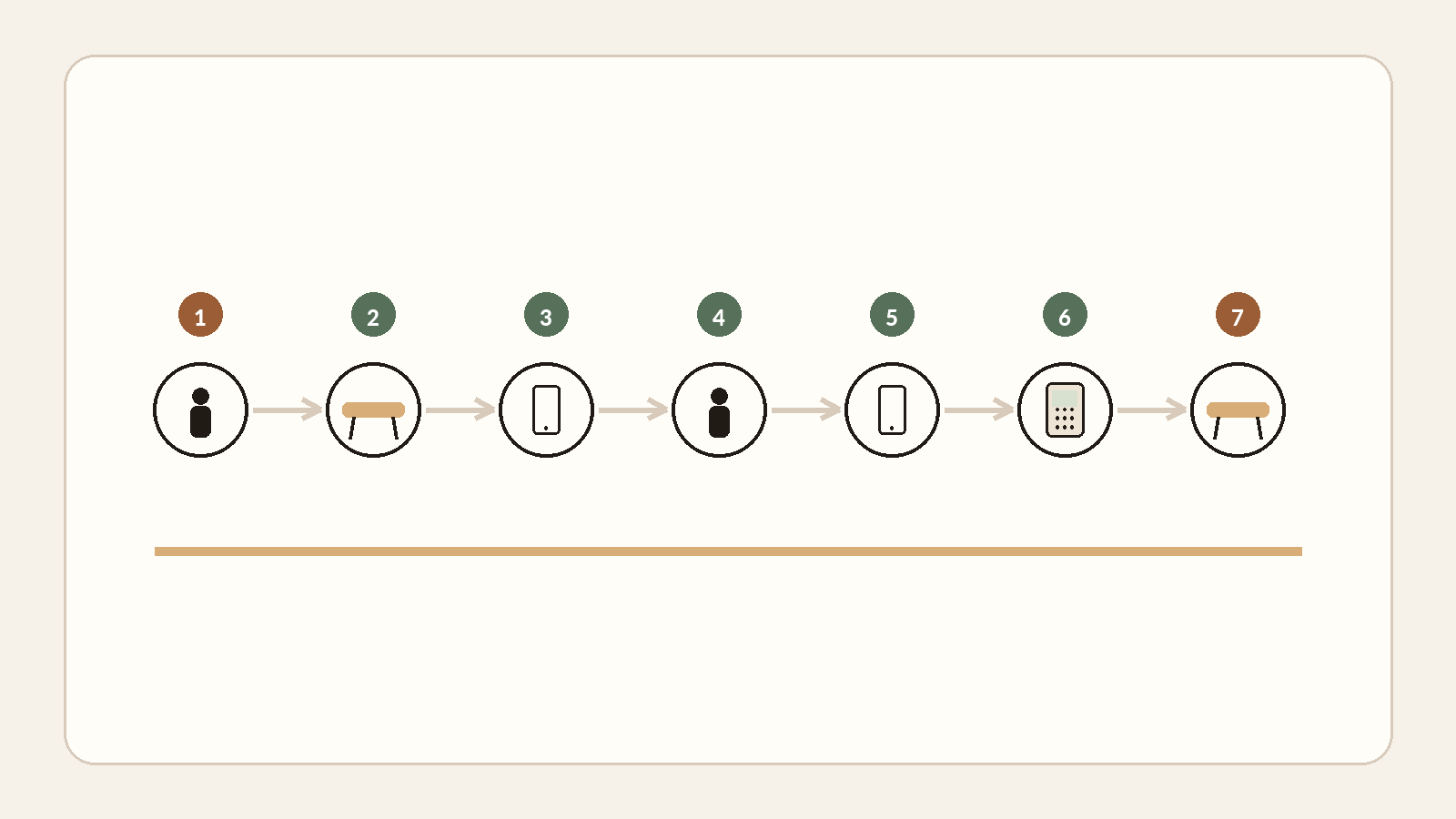
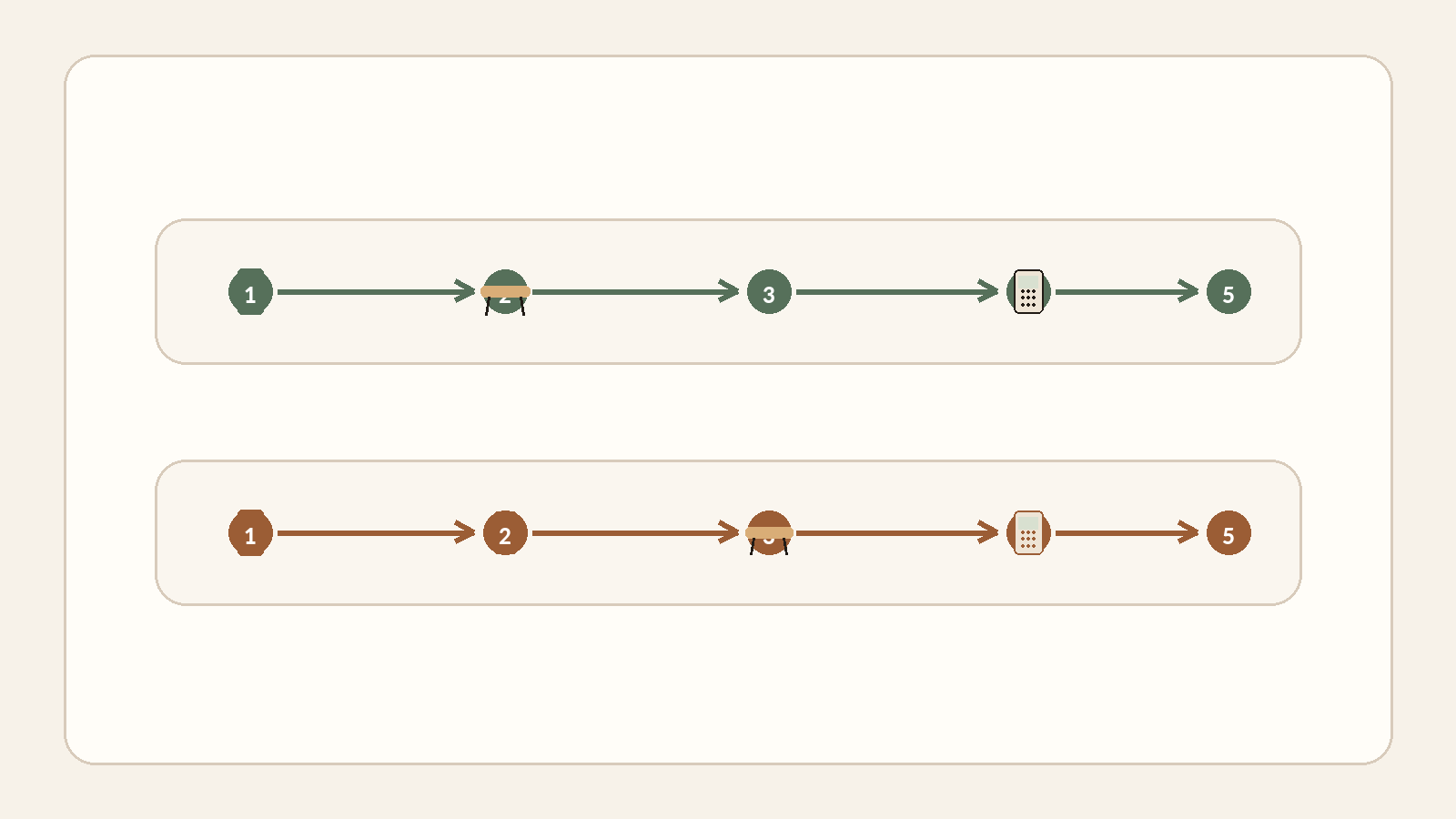
The classic journey sounds straightforward: a server takes the order, enters it in the POS, the kitchen produces it, the guest asks for the check, the server finds a terminal, enters or receives the amount, payment completes and the table closes. At peak time every handoff can become a queue. Measure observable units instead: trips per payment, minutes from check request to settlement, duplicate entry, recovery after errors, and the number of systems someone must reconcile at night.
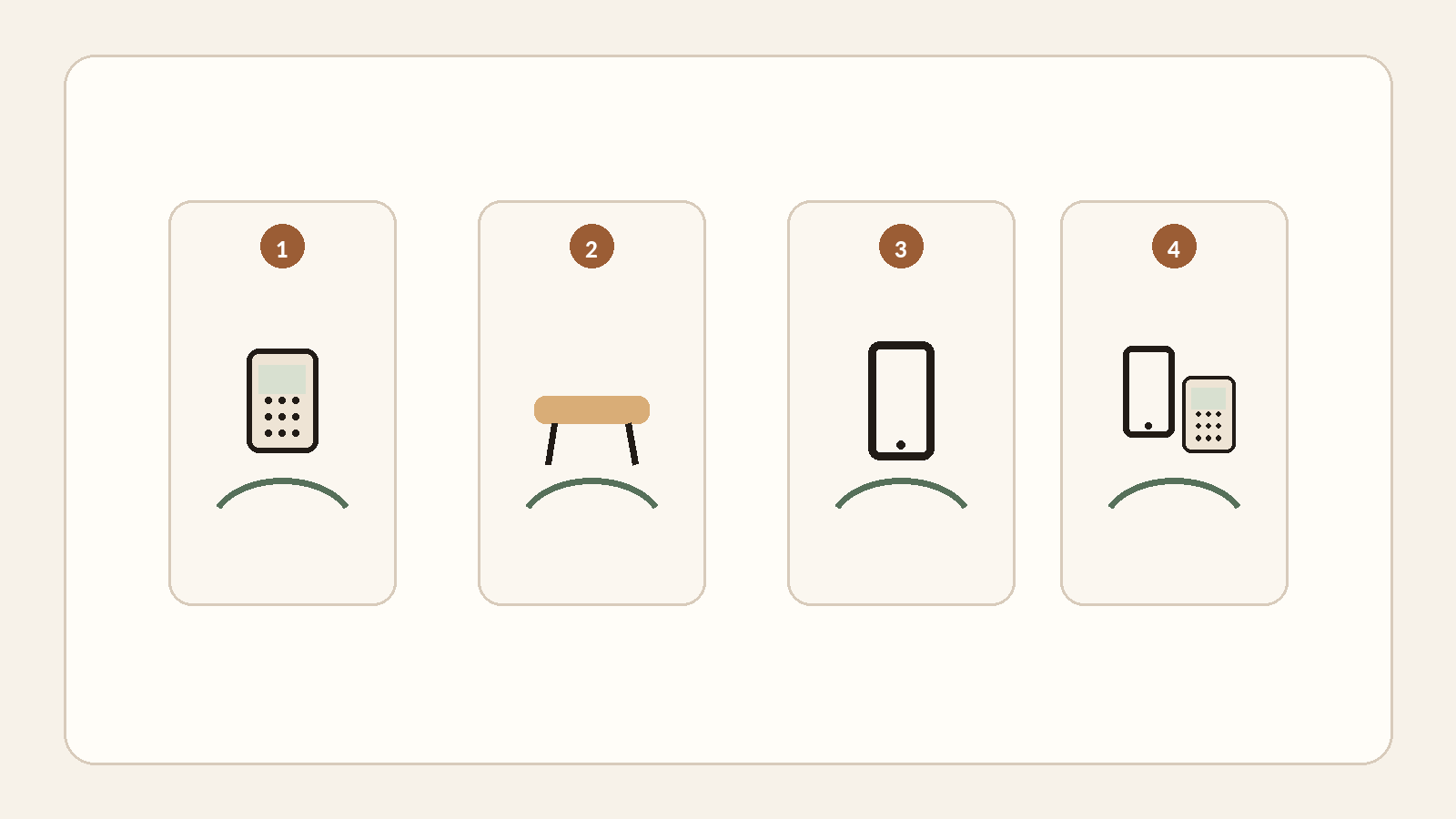
Then choose the payment moment. At a counter, payment can happen before production. In fine dining, guests may expect a quiet close at the table after a long service. In high-throughput fast casual, ordering and paying in one motion can remove an entire second bottleneck. On a terrace, mobile acceptance can remove long staff walks. For groups, split-bill quality may matter more than average transaction speed.
| Decision | Observe in your restaurant | Why it matters |
|---|---|---|
| Who takes the order? | Server, guest, kiosk, counter | Sets the data-entry and assistance model |
| When does payment happen? | Before production, at table, pickup, after service | Moves waiting and abandonment risk |
| How many staff trips? | Per order and per payment | Turns seconds into recurring labour |
| How is a bill split? | By item, amount, person or equally | A group edge case can break a fast flow |
| What is the fallback? | Cash, standalone, cellular, bounded offline | Keeps an ISP outage from becoming a closure |
Standalone, integrated, QR, kiosk or SoftPOS: what actually changes
A standalone terminal separates payment from the POS: fast to deploy and useful as a fallback, but the amount is keyed separately and reconciliation is more manual. Adyen’s own documentation spells out that trade-off: standalone needs no POS integration and can act as fallback, but merchants then reconcile POS transactions manually against payments [S8]. An integrated POS-terminal flow can pass the amount and recover a payment reference, reducing double entry, but it creates more dependencies to test when a network or API misbehaves.
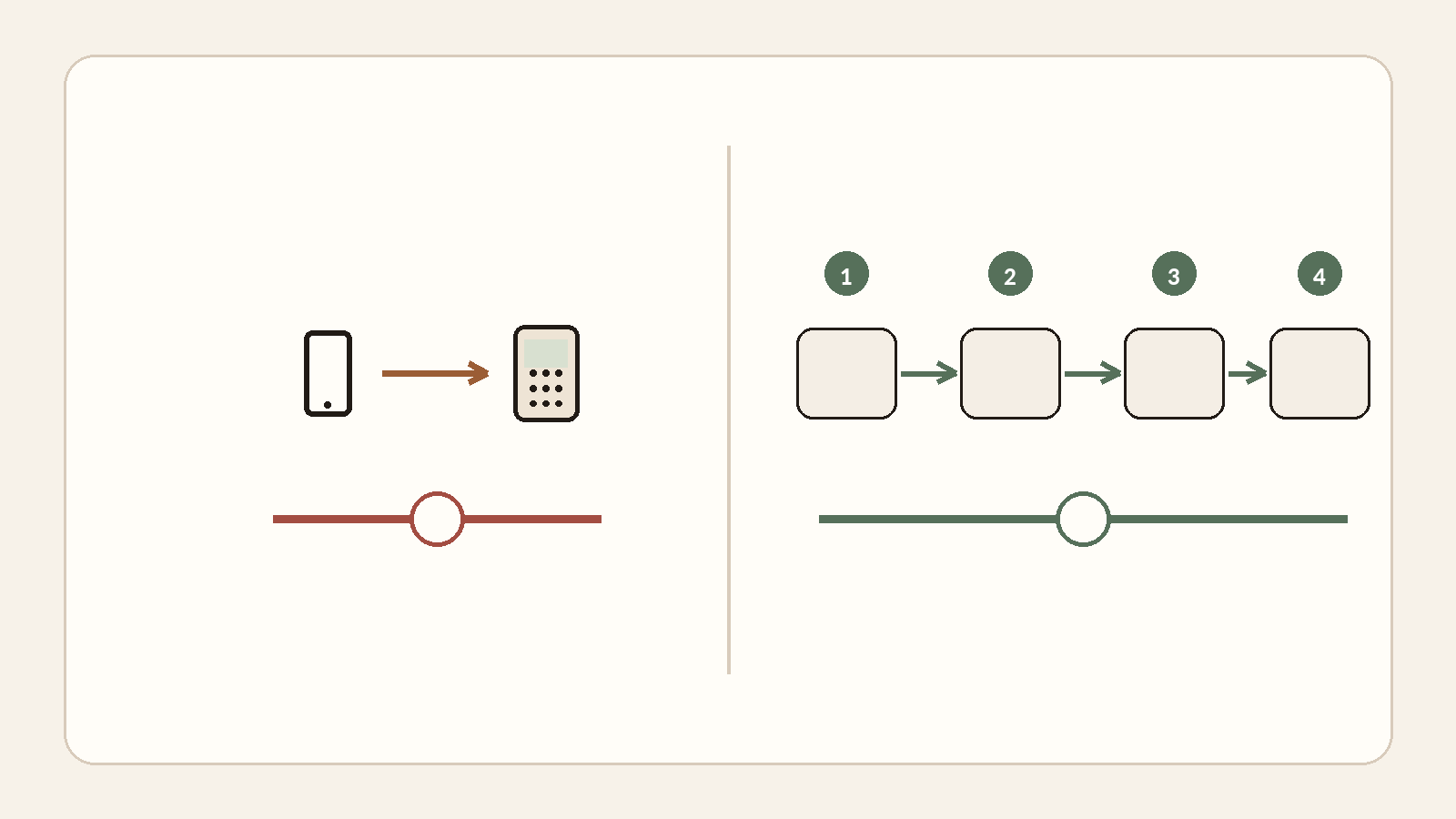
A pay-only QR can shorten the wait for the check without touching ordering. Order-and-pay QR moves ordering, confirmation and payment onto the guest’s phone: powerful for high-turnover formats or lightly staffed zones, more intrusive where human hospitality is the product. A kiosk creates a similar effect at counter service. SoftPOS/Tap to Pay turns a compatible phone into an acceptance device without another terminal; PCI MPoC defines a security framework for acceptance on commercial off-the-shelf devices, while Apple documents contactless acceptance on iPhone through a supported app without extra terminal hardware [S5][S9].
| Architecture | Strong candidate when… | Disqualifying test |
|---|---|---|
| Standalone terminal | You like the POS and want payment decoupled | Nightly reconciliation and mistyped amounts |
| Integrated terminal | Double entry and table mismatches are expensive | What happens when POS and PSP lose sync? |
| Pay-only QR | Check settlement is the bottleneck | Guest adoption and a no-phone fallback |
| Order + pay QR | Throughput and autonomy dominate | Changes, allergens, hospitality, groups |
| Kiosk/counter | Volume and standardisation dominate | Queues, accessibility, exceptions |
| SoftPOS/Tap to Pay | Mobility and light hardware matter | Compatibility, battery, offline policy, support |
Why fighting over 0.25 percentage points can be the wrong decision
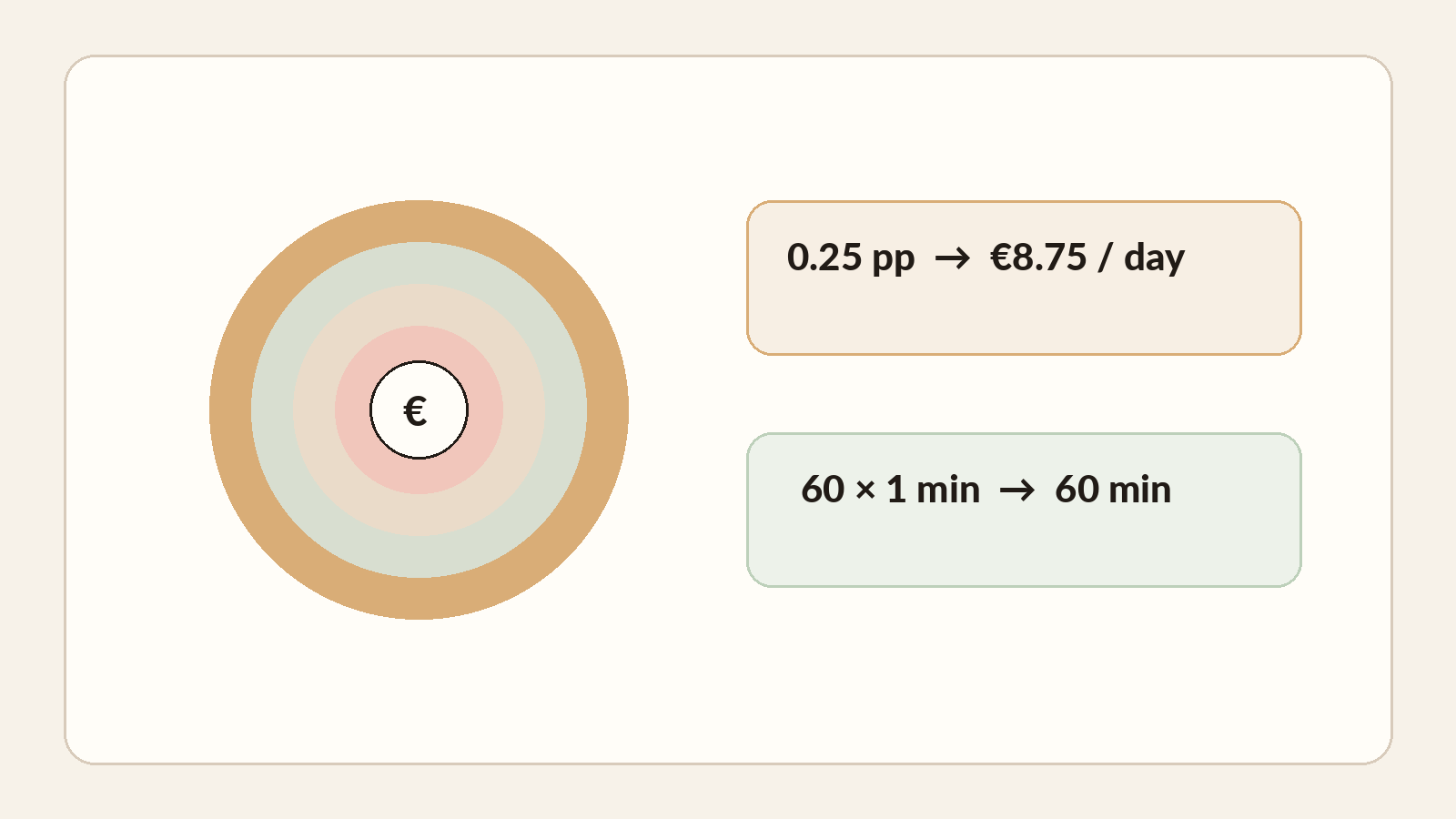
Put every offer on the same basis: variable processing charges, subscription, hardware rental or purchase, connectivity, integration, training, staff time per payment, errors, refunds, support and accounting reconciliation. In the EU, Regulation 2015/751 caps certain interchange fees at 0.2% for consumer debit and 0.3% for consumer credit, with exceptions; an interchange cap is therefore not the merchant’s full terminal price or total merchant service charge [S4].
| Cost line | How to measure it | Common mistake |
|---|---|---|
| Processing | Rate + fixed fees + actual card/market mix | Comparing headline rates on different scopes |
| Hardware & subscription | Full cost over the commitment period | Forgetting rental, SIM, accessories, refresh |
| Service time | Minutes × events × loaded labour cost | Assuming 30 seconds “doesn’t count” |
| Errors & recovery | Voids, re-keying, wrong-table matches | Looking only at successful payments |
| Reconciliation | POS/PSP/cash/accounting minutes per day | Hiding the cost in back-office time |
| Outage & support | Duration × frequency × lost capacity | Testing the demo, not Saturday night |
This arithmetic does not promise another table turn. A saved minute becomes revenue only when demand, kitchen capacity and seating timing allow it. Use it as a decision threshold. If a vendor claims to save time, make them measure it on your journey and volume. If another is cheaper, measure the re-keying and end-of-day closure it leaves with your team.
“Card accepted, POS uncertain” is a baseline scenario
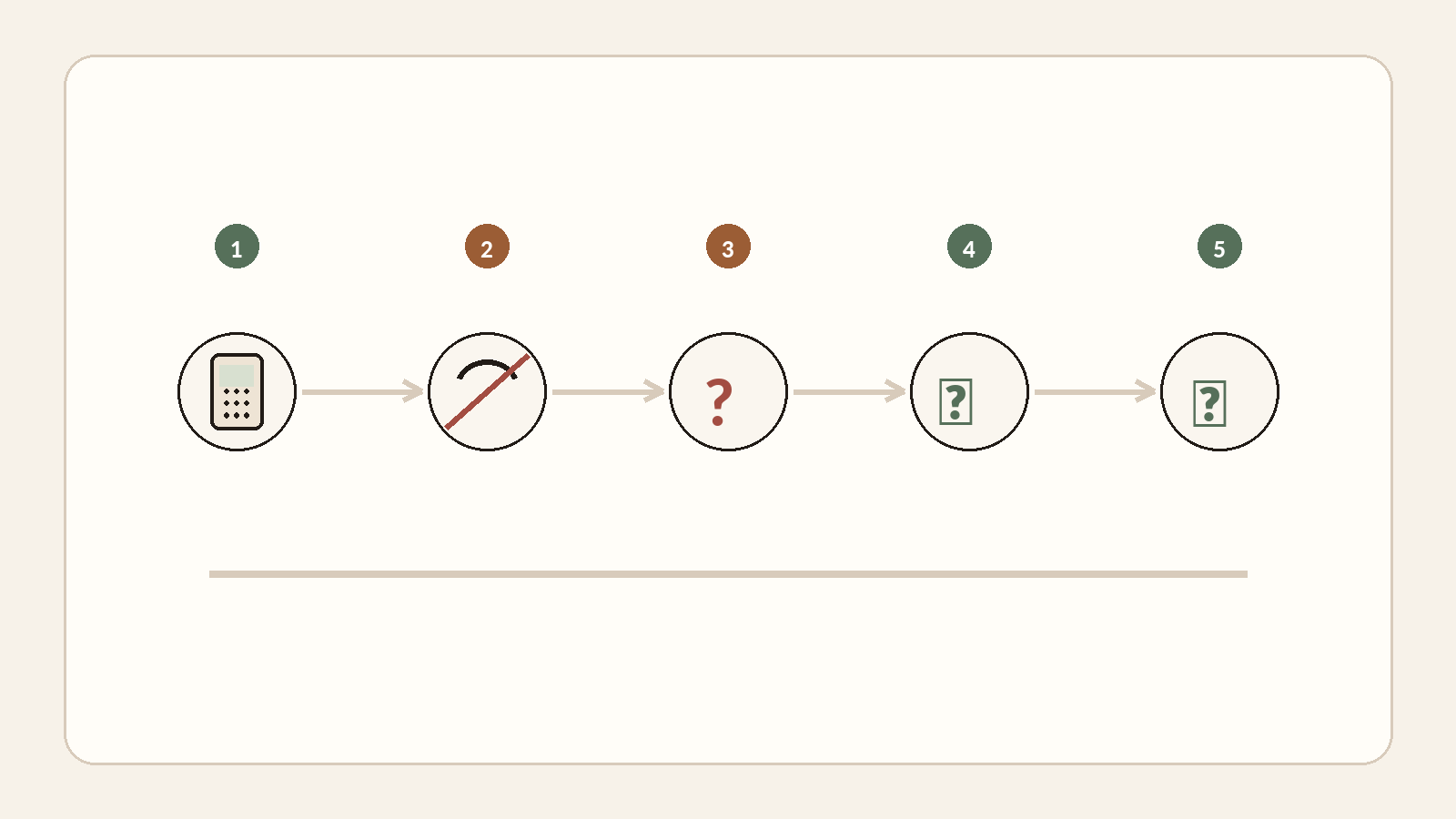
A resilient system is not one that works on perfect internet; it is one whose state remains understandable after a drop. Offline is not magic. Stripe explains that authorisation can be attempted only after connectivity returns and the merchant assumes decline and tamper risk; Adyen distinguishes mechanisms such as offline EMV and store-and-forward and emphasises reconciliation, retries and merchant risk [S6][S7]. The useful test is: what does the server see, what does the guest see, which reference reconciles the systems, and which action is safe without charging twice?
| Incident to simulate | Acceptable answer to require |
|---|---|
| Internet fails before payment | Explicit fallback: cellular, standalone, cash or bounded offline |
| Card accepted, POS times out | Stable reference + lookup/reconciliation + idempotent recovery |
| Guest wants to split | Parts by amount/item/person with visible remaining balance |
| Wrong amount | Traceable void/refund, permissions and audit trail |
| Terminal unavailable | Provisioned spare terminal or SoftPOS, not a promise |
| End of day | POS, PSP and cash totals reconcile without improvised spreadsheets |
Add human edge cases: tipping before or after confirmation as your market requires, guests without smartphones, accessibility, low battery, moved tables, cancellation after payment, partial refunds and midnight-close shifts. These edges often shape staff trust more than five dashboard features. Put them in contractual acceptance testing rather than discovering them in a training note after opening.
Seven archetypes, seven different priorities
A small café with a short queue protects speed and simplicity. Fine dining protects hospitality rhythm, discreet splitting and server presence. High-throughput fast casual optimises queueing and order-payment coherence. A restaurant with a POS it already likes may gain more by replacing only card acceptance. A multi-site group puts more weight on governance, roles, consolidation and data export. Looking for one universal winner erases these differences.
| Profile | Architecture to test first | Watch-out |
|---|---|---|
| Small café | Counter + simple terminal/SoftPOS | True speed, tipping, fallback |
| Fine dining | Strong POS + mobile pay at table | Discretion, split, human interaction |
| Fast casual | Integrated order + pay; kiosk/QR by audience | Queue flow and exception handling |
| Good POS; replace payments | Replaceable acquirer/terminal, minimal integration | Do not rebuild the stack for a few basis points |
| Table-payment bottleneck | Pay-at-table or pay-only QR | No-phone guests and table attribution |
| Self-order + self-pay | Kiosk/QR plus staffed alternative | Accessibility, modifiers, assistance |
| Multi-site | Consolidated contracts/reporting with portable data | Lock-in and permissions |
A perfect demo is not operational evidence
Demand an end-to-end scenario on your devices, network and roles: order change, split bill, tip, void, internet loss, card accepted while the POS is uncertain, next-day partial refund, then end-of-day reconciliation. Features only matter through their recovery behaviour. Also ask which components remain usable when you leave: terminals, consented customer data, menu/catalogue, history, accounting exports and payment references.
- Show a complex split and the remaining unpaid balance.
- Cut the internet during a transaction and explain each system’s state.
- Simulate card approval with a lost POS response.
- Issue a partial refund next day with a different staff role.
- Export one day of sales and payment references in a usable format.
- Explain what remains portable if I change acquirer or POS.
- Price fees, hardware, subscription, commitment, support and exit costs over the same period.
Then watch staff use the system without the salesperson. An interface can save a trip and add two during a split. A QR can remove waiting and create help requests from a meaningful minority of tables. A standalone terminal can look old-fashioned and still be a very good fallback; official Adyen documentation explicitly presents standalone as a fallback path [S8]. Test the primary journey and degraded mode together.
A seven-step method before signing
I would start with neither a brand nor a fee quote. I would take a sheet of paper, one real service and the people who must live with the system, then make decisions in this order—with evidence for each one.
- Draw the real order, production, check and payment journey.
- Decide where and when the guest pays for every channel.
- Choose only the integrations that are truly necessary and keep the rest replaceable.
- Calculate total cost in euros and minutes using your volumes.
- Test a realistic Saturday-night service, not the ideal demo.
- Test split, tip, refund, network loss, error, cancellation and recovery.
- Verify the exit: data, exports, payment references, hardware and termination terms.
A mature setup can be simple: an existing POS, replaceable terminal and a real fallback procedure. It can also be deeply integrated: order, kitchen and payment in one chain. Maturity is not the number of components. It is being able to explain who owns each state, how recovery works, what the full cost is and how you leave without losing your operating history. That is what I would want to know before opening night, not after the first packed service.
Market data is used as context, never as a universal prescription. Operational judgments and the illustrative calculation are identified in the text.
- ECB — Study on the payment attitudes of consumers in the euro area (SPACE) 2024
- Federal Reserve Financial Services — 2025 Diary of Consumer Payment Choice (2024 payment data)
- National Restaurant Association — Restaurant Technology Landscape Report 2024
- EUR-Lex — Regulation (EU) 2015/751 on interchange fees for card-based payment transactions
- PCI Security Standards Council — Mobile Payments on COTS (MPoC)
- Adyen Docs — Offline payments
- Stripe Docs — Collect card payments while offline
- Adyen Docs — Standalone solution
- Apple — Tap to Pay on iPhone for Business